Thinkpad X201 Adventures
Introduction
I’m the proud owner of this Lenovo Thinkpad X201:
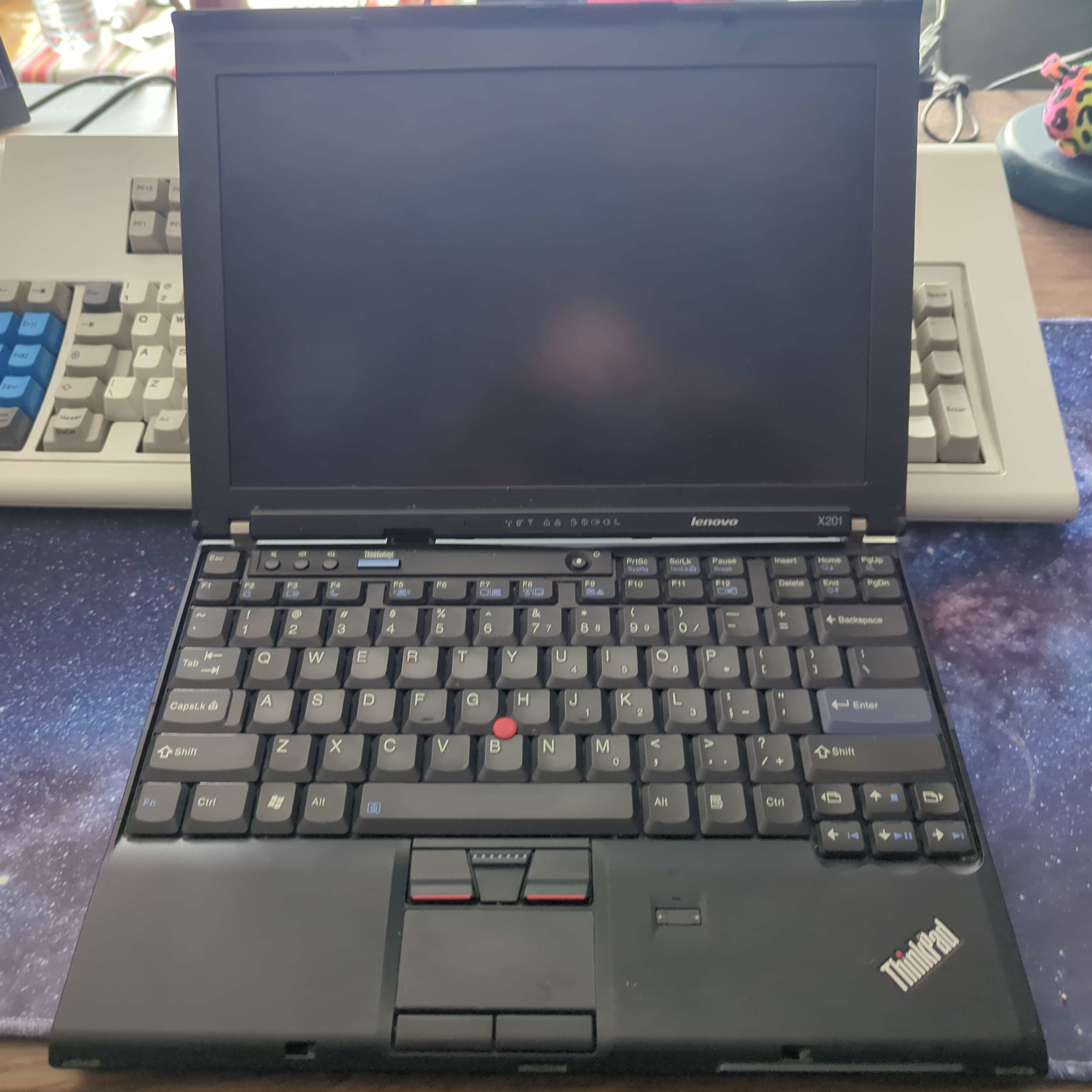
Figure 1: My old Thinkpad X201.
It’s a 2010 machine, so a bit older, but I love the form factor and robustness. I have a special fondness for this machine, as it was once my main laptop; until I stepped on it and cracked the screen, that is.
Let’s bring this machine back to life!
Machines on a Budget
I started looking into screen replacement options. To cut a long story short:
- The OEM screen is a 1280x800 LED TN panel. Replacements are easily obtainable from China on the order of ~€50.
- There’s a possible mod where you swap in a 1440x900 CCFL AFFS panel from a Thinkpad X200s. This requires a special cable but is otherwise quite possible; you’ll get better black levels and viewing angles, but a dimmer display.
- Unlike the X220/X230 series, there isn’t really an IPS screen replacement mod available.
The screen is definitely the weak point of this machine in my opinion, so I spent quite a bit of time researching this, but there didn’t seem to be a reasonable clever mod here. All of this is quite moot, because…
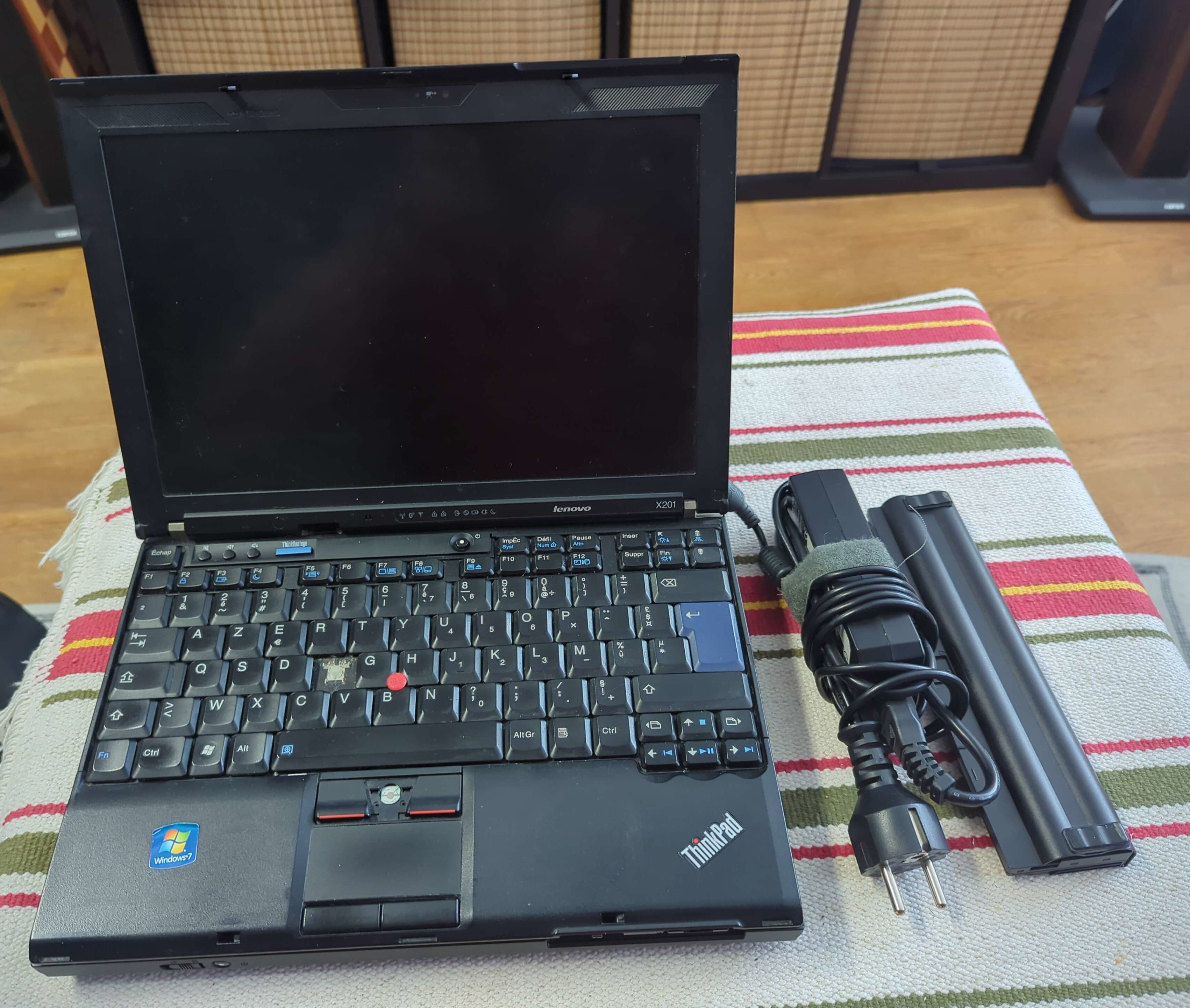
Figure 2: Another one?!
… I just bought a whole new thinkpad, straight up. For €60. Including…
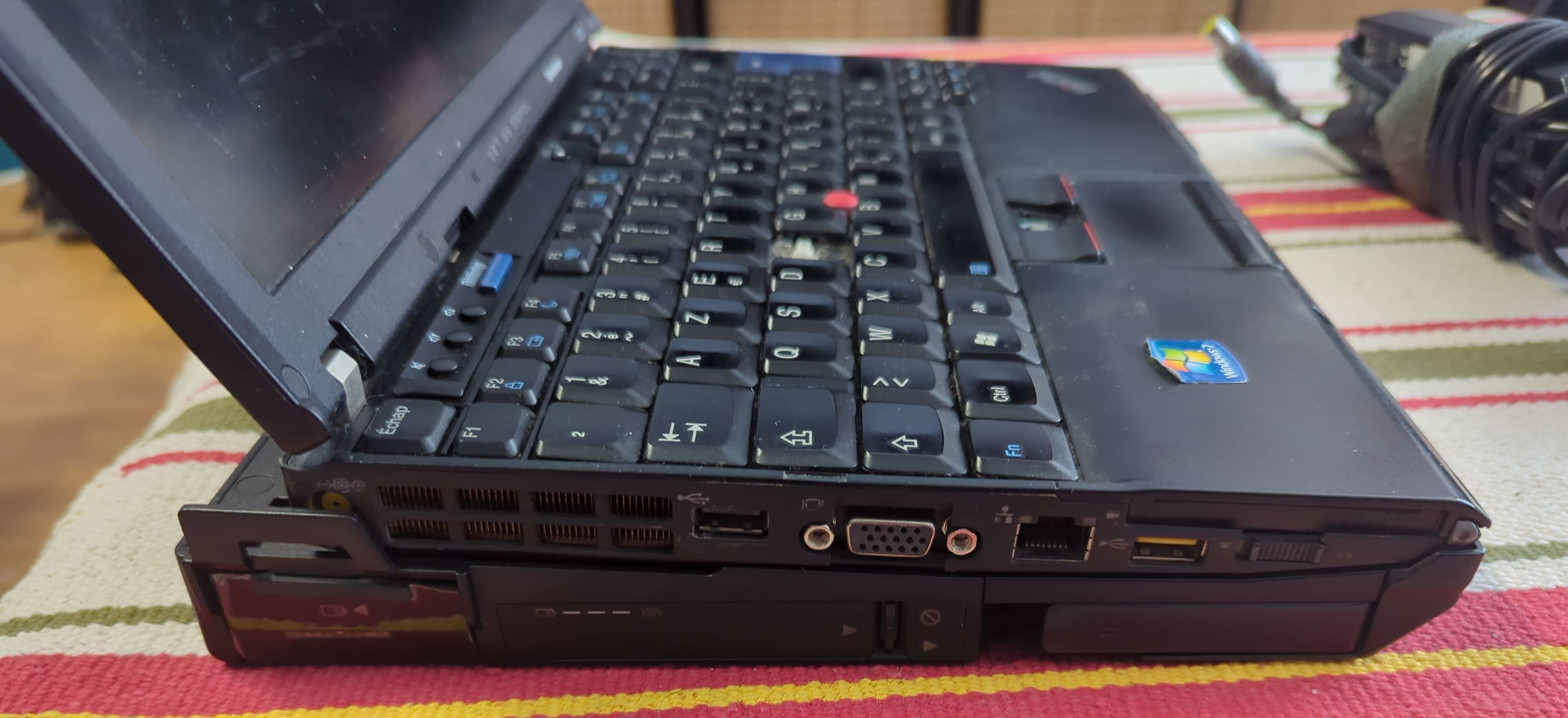
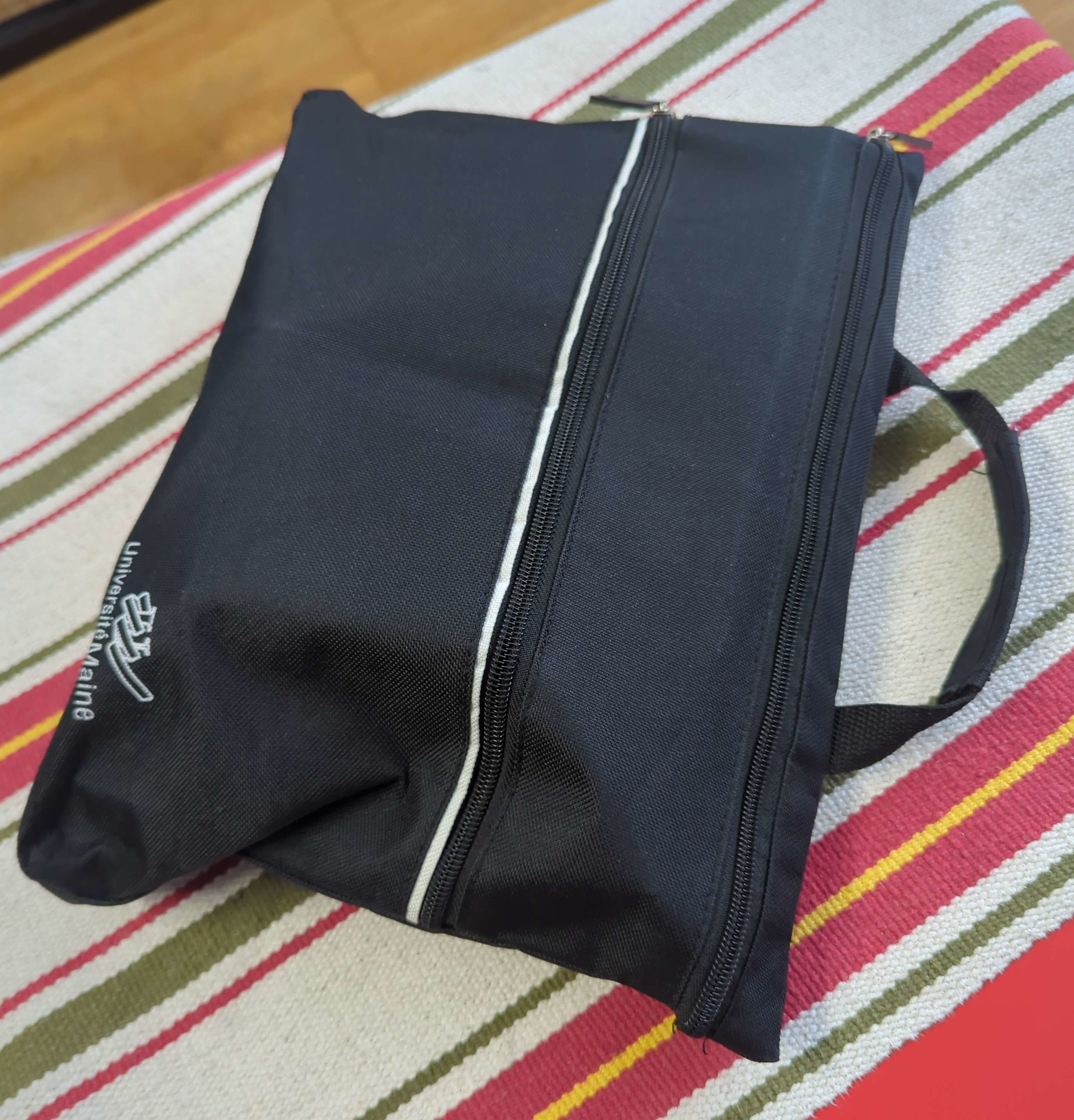
… an Ultrabase dock, extra battery, and this nice bag to carry everything.
As you can see, the keyboard is broken in two ways; a key and a button fell off, and some prankster moved many keys to the wrong place. This was easily fixed by swapping over the keyboard from the other thinkpad.
I’ll be continuing with the new machine and keeping the old one for spare parts.
Specs and Upgrades
Some specs:
- As mentioned, the screen is a 1280x800 TN panel. It’s pretty shit.
- The new one comes with a 1TB (!!!) HDD, much bigger than the 180GB in the old one.
- The CPU is an i5-560M 2.67GHz dual core.
- It comes with 41GB of RAM. The memory controller supports up to 8GB.
- TODO ports and shit TODO upgrades
Nixoooos
Life sans the GUI
Up Next
-
2x2 ↩︎